AI, practical skills & better ways to workENGLISH EDITION
Stay curious. Make something useful.
Auratro
Auratro/AI News

Anthropic is setting aside 5% of its shares for the public, and the stake grows with the company

The fund is a company-owned LLC rather than a charity. It could make grants or direct payments, including to workers hit by AI, but its governance is still unwritten.
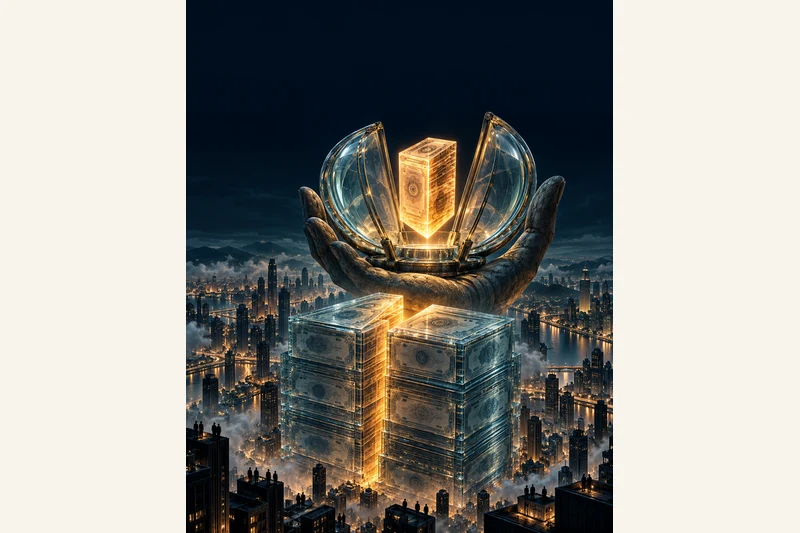
AI-generated illustration, not a documentary photo: a colossal translucent monolith of stacked glass share certificates over a dark city, with a glowing 5% slice floating inside a giant public vault held by a stone hand.
AI-generated illustration by Auratro
In this article

Anthropic said on 18 October 2026 that it plans to commit 5% of its shares to a new entity called the Anthropic Public Benefit Fund. The commitment is subject to approval by the company's stockholders, so it is a pledge rather than a completed transfer.

The structure is unusual. The fund is designed to be a wholly owned limited liability company, not a tax-exempt charity. Anthropic says that gives it more flexibility to choose between large donations to established nonprofits and direct distributions to specific groups of people. None of the equity held by the fund may be used for lobbying or political donations in the United States or abroad, according to the announcement.

The stake is built to grow

The initial 5% is only the starting point. For every 50% increase in Anthropic's value above a baseline that has not yet been disclosed, the board may add another 2% of the company's shares to the fund. Those top-ups are discretionary, not automatic, and the valuation thresholds have not been published.

Anthropic presents the mechanism as a contrast to executive pay. It says tech companies commonly grant escalating stock awards to executives, while it is directing that kind of upside to a public fund instead.

The new fund builds on earlier pledges. Anthropic's co-founders promised at the company's founding to donate 80% of their equity, and employees can donate shares through a matching programme that about half of them use. Taken together, Anthropic says roughly 20% of its shares will be dedicated to public purposes, before any future valuation milestones add more.

Where the money could go

One named priority is the labour market. Anthropic has already committed $200 million to studying and addressing AI's effect on workers, and it says the pace of change may require "bolder approaches" than research alone. The fund could also support nonprofit donations or payments to specific populations, though no recipients or amounts have been announced.

That open-ended language is the main caveat. The company has not said who will sit on the fund's board, how grants will be approved, or what counts as a sufficient public benefit. It says more details on governance and structure will come in the coming months, along with a public benefit report.

The timing matters. Anthropic is a public benefit corporation preparing for a major stock-market listing, and the announcement lands while public trust in AI companies is under strain. A company-owned fund gives Anthropic control over how the money is used; it is not an independent foundation with its own board. Readers should treat the pledge as a stated intention until the governance documents and the first distributions are public.

Main sources: Anthropic's announcement of 18 October 2026, as reported by TechCrunch and The Decoder. Auratro has not seen the fund's governance documents, which have not been published.

Sources & further reading

Anthropic, 'Investing in the public benefit', 18 October 2026

TechCrunch, 'Anthropic says it's committing 5% of its shares to a public benefit fund', 18 October 2026

The Decoder, 'Anthropic plans fund for workers threatened by AI', 19 October 2026

From Auratro Editorial

Our articles help you explore AI and build practical skills. For a correction or a question, contact us. Contact
Keep reading

NEXT STORY Tutorials

The anatomy of ChatGPT Sketch: draw the layout, then let the words do the rest

OpenAI's sketch-to-image feature works on every plan. Your doodle sets where things sit; the prompt decides what they are, the style and the light.

Auratro EditorialOpen this article
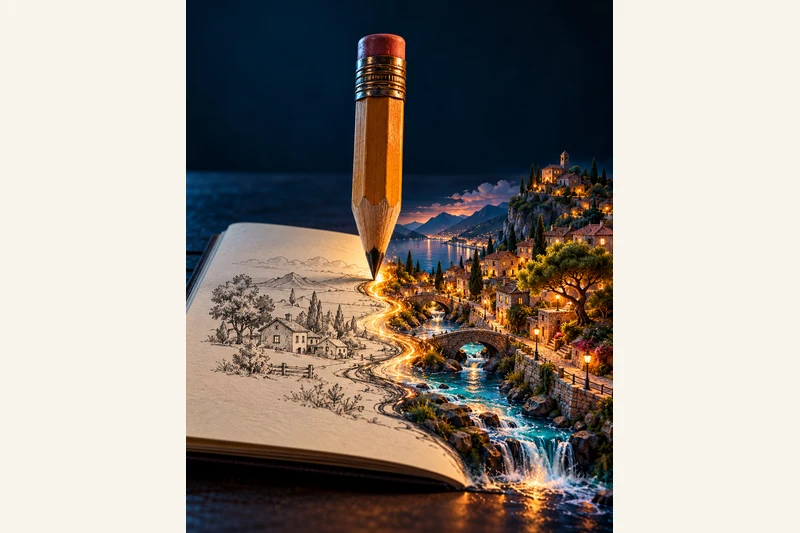
AI-generated illustration, not a documentary screenshot: a giant wooden pencil stands on a dark table and its river of ink turns a flat pencil sketch on the left into a fully-rendered miniature 3D town on the right, a metaphor for ChatGPT's Sketch feature turning a rough drawing into a finished image. No real person, product or event is depicted.
AI-generated illustration by Auratro

For most images, the hard part is describing a layout in words: put the product on the left, the headline on the right, keep the horizon low. ChatGPT's Sketch tool flips that. You draw the rough arrangement, and the model fills in the finished picture around your drawing.

OpenAI shipped Sketch on 8 September 2026 as part of ChatGPT Images 2.5. It arrived with three other image features: templates for common formats, comments placed straight onto an image, and shareable prompts. Sketch is available on every ChatGPT tier, on web, desktop and mobile. On the mobile app you open it by typing @ in the message box and choosing Sketch; OpenAI also links the web canvas at chatgpt.com/sketch.

The one idea that makes it work

Sketch is not a painting tool, and it does not grade your drawing. OpenAI describes it as a visual guide, and the model reads your shapes as a layout rather than a style to copy, so boxes, circles and stick figures are enough. The rule that gets good results is a division of labour: the drawing decides position and size, the words decide everything else.

Put in the sketch: where each object sits, how big it is next to the others, the camera angle or horizon, and a box where text should go. Put in the prompt: what each shape actually is, the colours, materials and style, the light and mood, the exact words in quotes, and the picture shape. Skip the labelling and the model has to guess that a circle is a table and not a sun.

A prompt you can reuse

Draw the layout first, then paste this and fill the brackets:

Use my sketch as the layout and keep the position and size of every shape exactly where I drew it. What the shapes are: [the big circle is a round wooden table, the two small boxes are chairs]. Style: [a realistic interior photo]. Light and mood: [soft morning light, calm and warm]. Text: ["Hello" or none]. Shape: [4:5 portrait].

Put the "keep every shape exactly where I drew it" line first, not last; that instruction is the one that holds the layout. If the model copies your messy pencil lines into the render, add that the sketch is for layout only, not a style to copy.

Fixing the small parts

Images 2.5 also added comments. On mobile, open a generated image full-screen, tap Comment, drop a pin on the exact spot and type what to change, such as "make this lamp brass". For one small correction that is usually faster than rewriting the whole prompt.

The limits

Generation can still take a few minutes, and the editor's selection highlights are not always precise: an edit may bleed past the area you marked, so check the edges. The sketch canvas is on the mobile app, templates are still rolling out (they are not in Work mode yet), and every image carries C2PA metadata and an invisible watermark, so a generated picture is traceable rather than anonymous.

What to take from it

Sketch is a small change with a useful habit behind it: say where with a drawing, say what with words. For anything with a fixed composition - a poster, a room layout, a product shot, a book cover - that beats fighting a hundred-word description. It is free on every plan, so trying it on your next image costs a two-minute doodle.

Sources & further readingOpenAI: Introducing ChatGPT Images 2.5 (8 September 2026)OpenAI Help Center: Images in ChatGPT - create an image from a sketch
NEXT STORY Growth

A simple encrypted-photo app went from $66 to about $2,000 a day in six months

As the founder tells it, there were no ads and no viral videos: just AI-written web guides and a paywall most people hit weeks after installing.

Auratro EditorialOpen this article
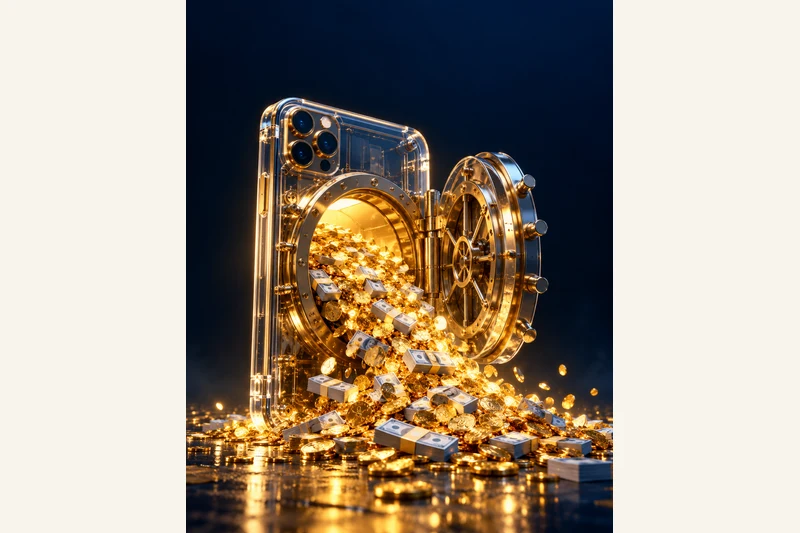
AI-generated illustration, not a documentary photo: a glass iPhone standing upright opens like a bank-vault door and pours a waterfall of golden coins onto a dark floor. Used as a visual metaphor for an encrypted photo-storage app reported to earn about $2,000 a day. No real person, product or event is depicted.
AI-generated illustration by Auratro

A founder who had spent his career in business software had never shipped a mobile app. In about three weeks he built his first one, mostly by directing coding agents. Six months later, he says it was earning roughly $2,000 a day.

The app itself is almost boring on purpose. It is an encrypted storage app for photos and files, close in use to a cloud drive but locked with a pattern on the phone. Everything is encrypted on the device, there are no servers and no shared keys, and the founder says he cannot see or recover what a user stores.

The numbers, as the founder states them

In the first month, the app made $66. Six months in, it was bringing in about $41,000 in a single month, with daily revenue hovering near $2,000 and roughly 2,000 to 3,000 downloads a day. The founder says it passed 60,000 total downloads.

Pricing is deliberately cheap: a weekly plan at $1.99, an annual plan at $19.99 and a one-off lifetime unlock at $39.99. He says most buyers choose the lifetime option, which accounts for the large majority of revenue even though the monthly recurring number looks small. Only about 5.5% of downloads convert on day one, but conversion keeps rising for weeks, with the best rates around day 35.

How he grew it: AI-written guides, not ads

The growth did not come from paid ads or short-video stunts. It came from a plain website and a stream of search-friendly guides that answer questions like how to keep photos private on an iPhone. The founder says he did not write the site copy himself; coding agents produced the pages, the text and the internal links.

His routine is a keyword loop. Every morning an agent checks a keyword tool for search terms where the site appears but gets few clicks, picks the useful ones, drafts a guide around them, and links it from pages that already get traffic. He publishes about one guide a day. The web now sends most of the app's visitors, and he estimates around 10% of those visitors convert to a download.

The AI tools behind it

The stack is small. The app is native Swift; there is no separate backend to keep alive. For the marketing engine he leans on Codex and Claude; he describes the daily guide almost as an agent waking up and running a task on its own. He also mentions an open-source command-line toolkit he wrote that ties Google search and keyword tools into that workflow, and a free analytics tool for measurement.

What to take from it

The useful lesson is not a prompt or a weekend hack. It is that a simple, proven app category plus a patient, low-volume content system can compound: cheap price, late conversion, steady search traffic. He did not need a brand-new idea; he needed to ship and then keep answering the questions customers already typed into a search box.

There are real caveats. Every figure here is self-reported in a promotional case-study interview and has not been independently audited. Search-driven growth is slow and depends on one platform's ranking; the founder himself notes the older apps he competes with sell far more. Results like these are not typical and are not a promise that anyone repeating the steps will match them.

Main source: Starter Story's 18 October 2026 case-study episode, which reports the founder's own figures and dashboard shots. Auratro has not tested the app or verified its income.

Sources & further readingStarter Story case study, 18 October 2026: 'This app is making $2,000 PER DAY'