The useful read / Guides
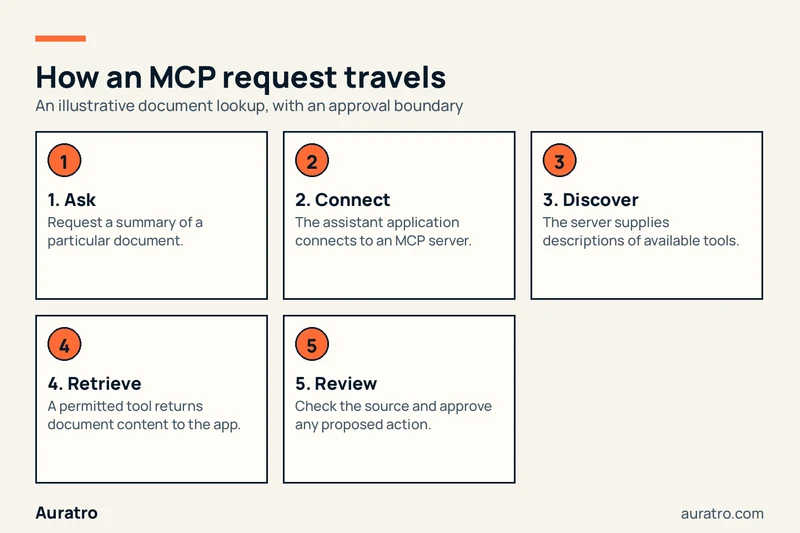
What MCP lets an AI assistant do and how to check access
Follow a document lookup from request to result, then use a checklist to judge a connection before allowing it to act.
Nov 29, 2026 · 8 min readRead article

Follow a document lookup from request to result, then use a checklist to judge a connection before allowing it to act.
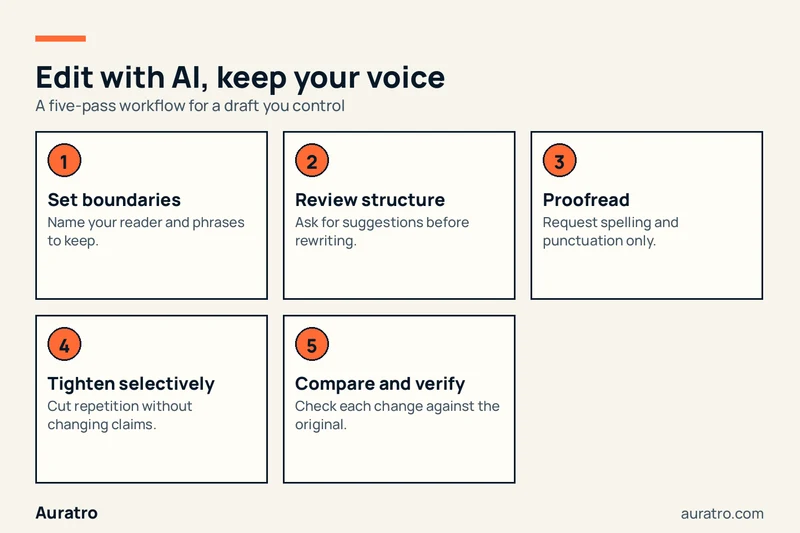
Use separate editing passes, a reusable prompt and a side-by-side check to keep control of your words and meaning.
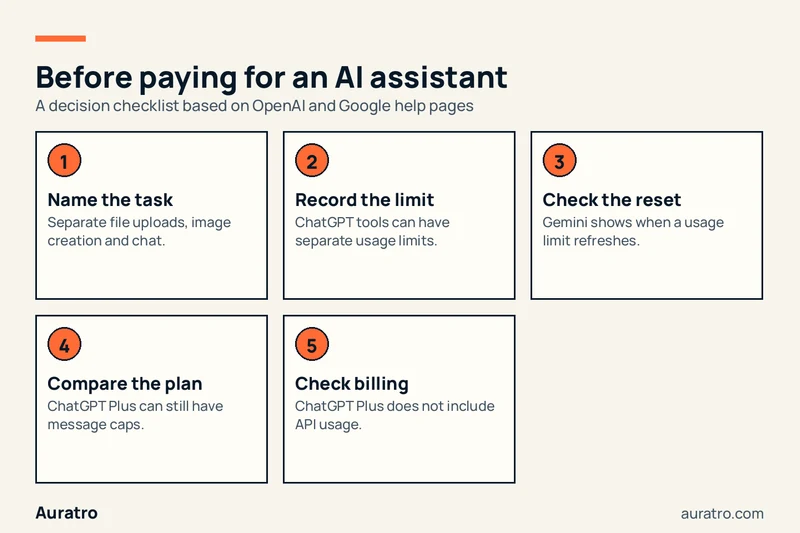
Compare ChatGPT and Gemini access, usage limits and billing boundaries, then use a simple decision checklist before subscribing.
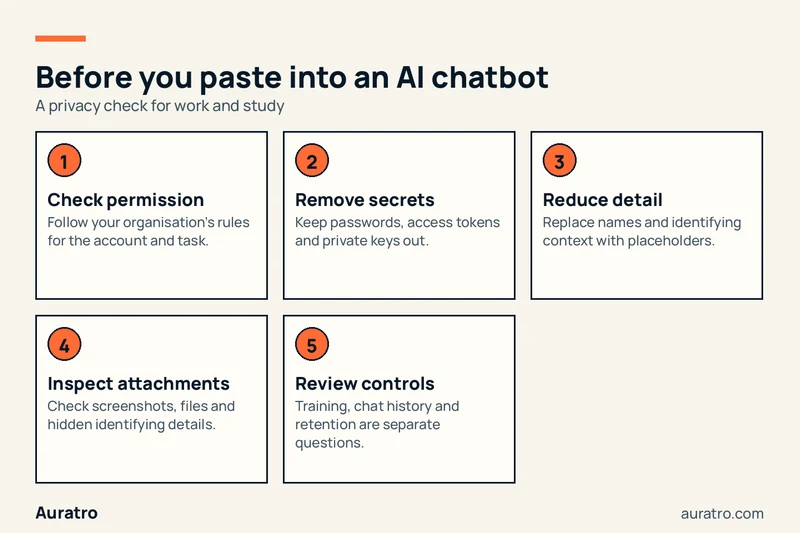
Use a pre-paste check for work and study, then see how to replace identifying details without losing the task.
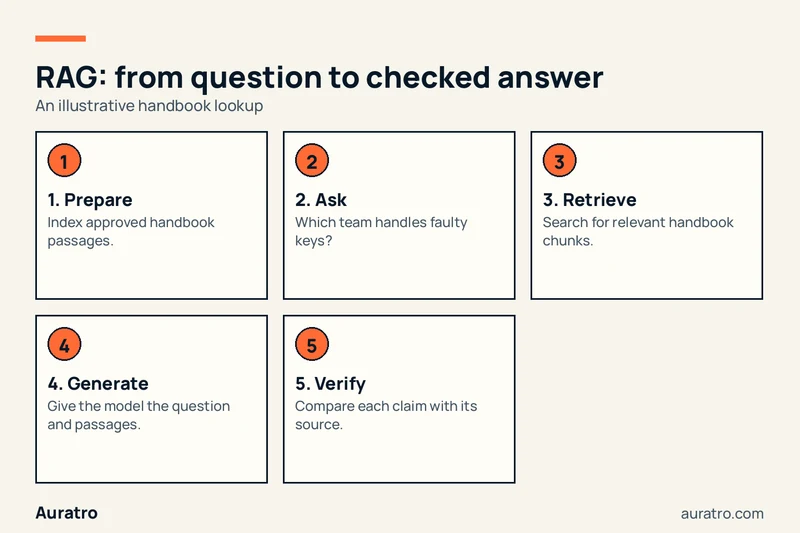
Follow a fictional handbook question from search to answer, then use a checklist to spot missing evidence and access problems.
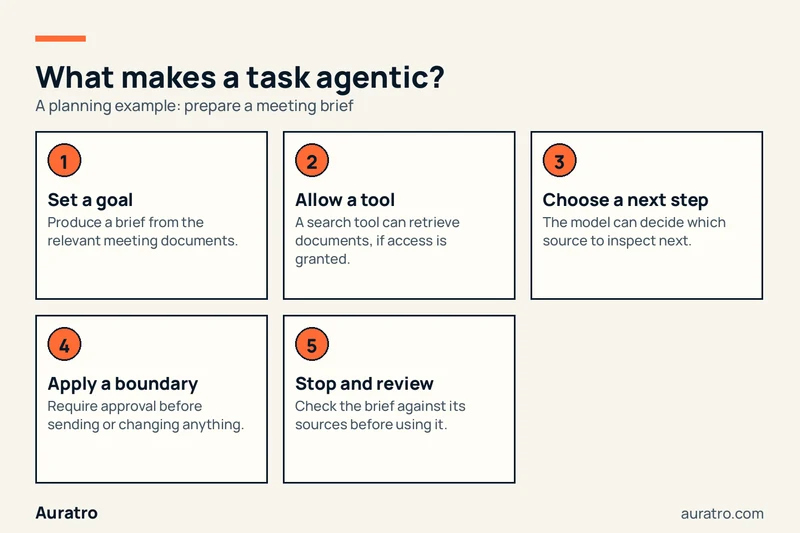
A meeting-brief example shows where a conversation ends and a tool-using workflow begins. Learn what to ask before giving an agent access to your files or apps.
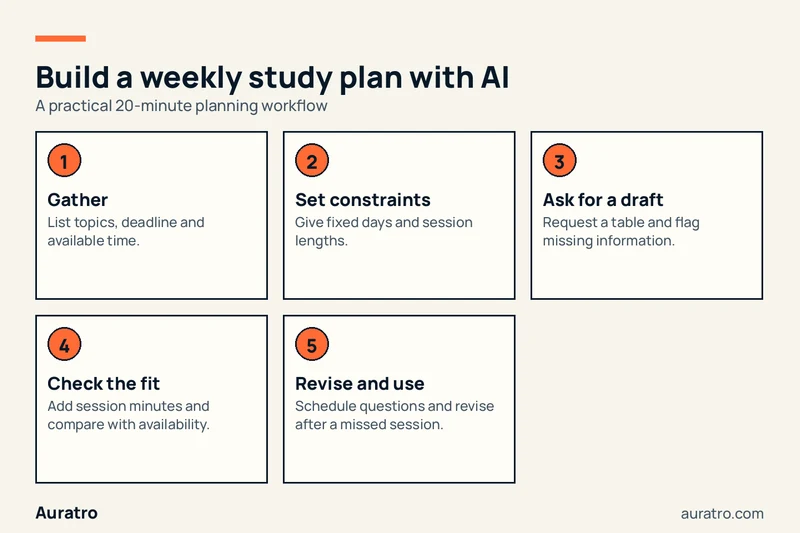
Turn your actual availability and course topics into a draft timetable, then check its arithmetic and revise it when life changes.
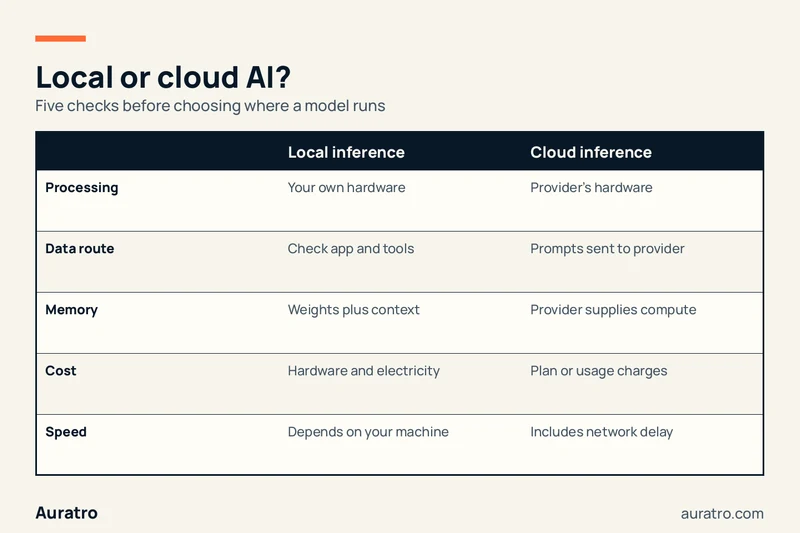
Compare privacy, memory, cost and response time with a checklist for your own workload. A model running in a desktop app is not necessarily running on your computer.
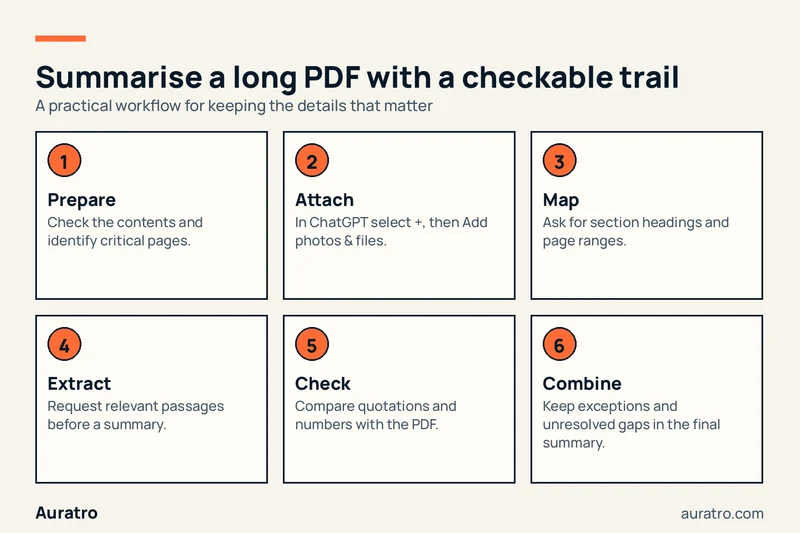
A section-by-section workflow keeps a trail from each claim back to the document, including exceptions and charts.
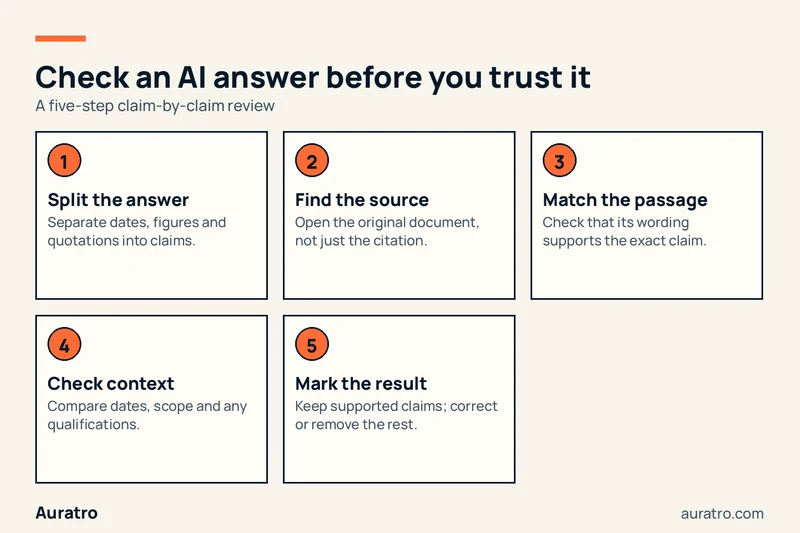
A fluent answer can mix accurate details with invented ones. Use this claim-by-claim method to find what the evidence actually supports.
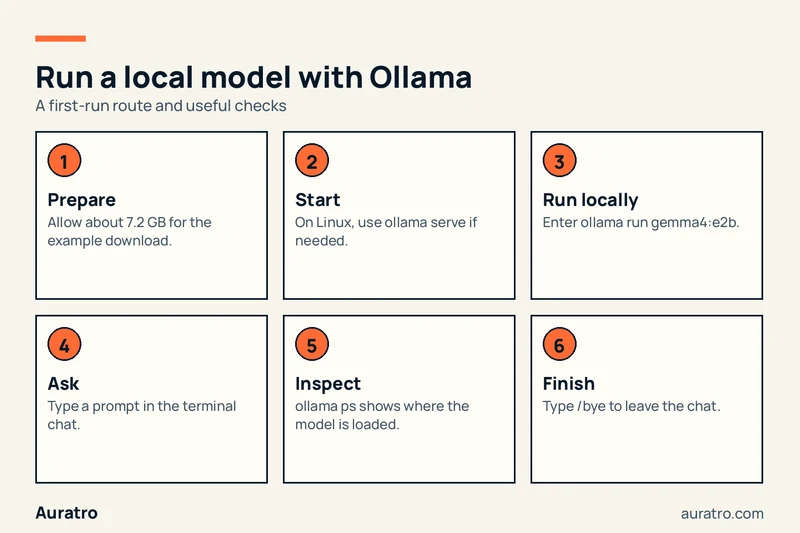
Install Ollama, start a terminal chat and use a small, checkable example. The guide also explains memory, privacy and cleanup.
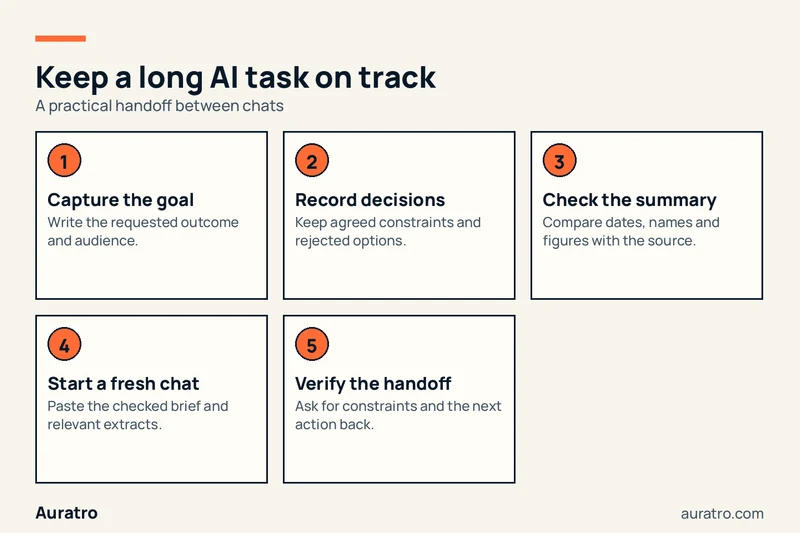
A checked handoff brief can carry decisions into a fresh conversation. Learn what to include and what a summary cannot preserve.
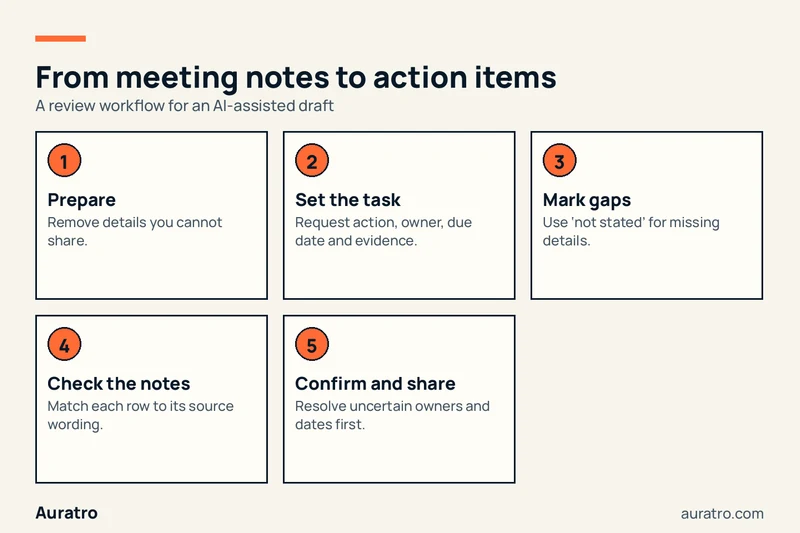
Use a reusable prompt, a worked example and a source-checking routine to separate agreed tasks from unresolved details.
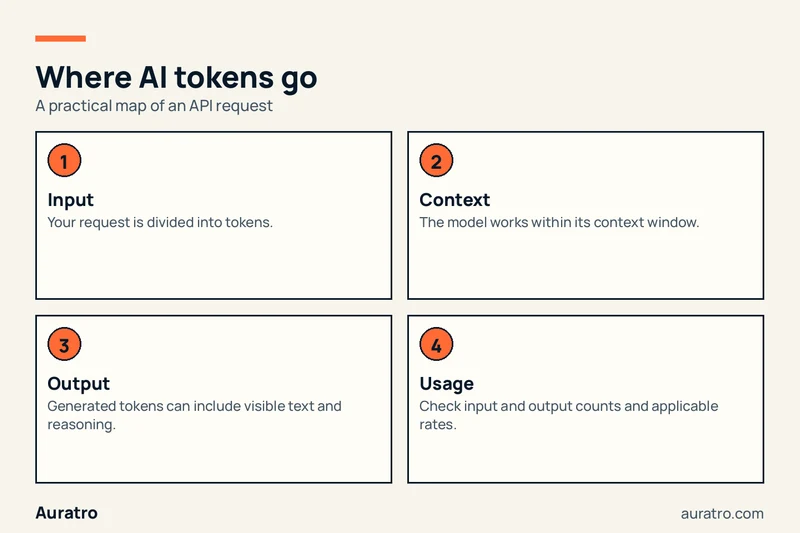
A practical explanation of input, output and context limits, with a worked API cost example and a checklist for avoiding misleading estimates.
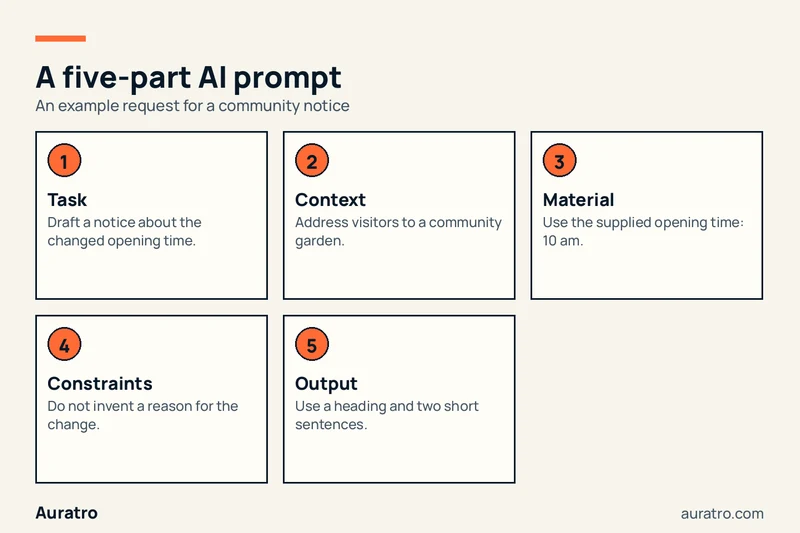
Turn a vague request into a usable brief, then check the answer against your source material and constraints.
OpenAI's Locked chats keeps a conversation out of your history, pinned chats and search. It is not end-to-end encryption, and a forgotten PIN deletes everything inside.
OpenAI's own help page says the memory summary is not everything. These six prompts inventory what is stored, rank the risk and build a deletion list you can actually finish.
Google renamed NotebookLM to Gemini Notebook in July. These six parts decide what the notebook reads, what it makes and where the free limits bite.
One chat, one job ad, six prompts: map the requirements, build an evidence bank, rewrite the bullets, draft the letter, prepare the interview, then rehearse. We ran each prompt once before publishing.
OpenAI's always-on agent has its own cloud computer and can keep working between chats. These six settings decide what it can touch, what it must ask about and what Pause does not stop.
Explore AI tools and practical skills with Auratro on YouTube.