The anatomy of ChatGPT Sketch: draw the layout, then let the words do the rest
OpenAI's sketch-to-image feature works on every plan. Your doodle sets where things sit; the prompt decides what they are, the style and the light.
In this article
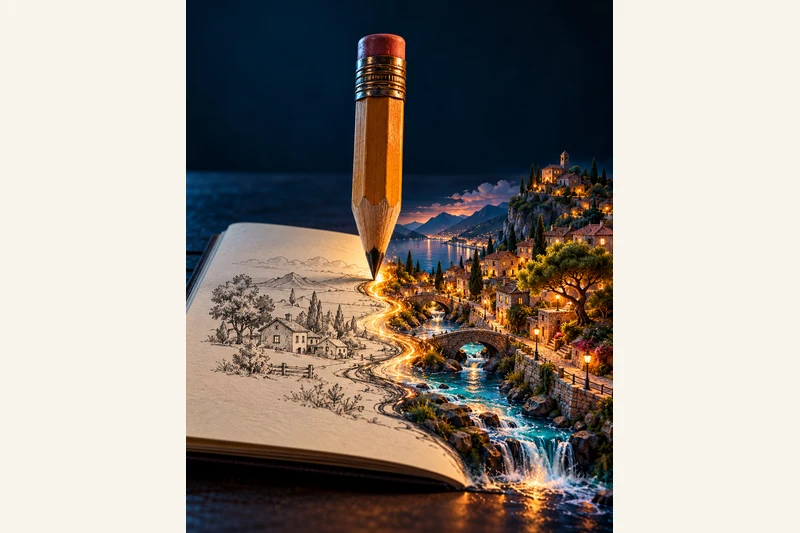
For most images, the hard part is describing a layout in words: put the product on the left, the headline on the right, keep the horizon low. ChatGPT's Sketch tool flips that. You draw the rough arrangement, and the model fills in the finished picture around your drawing.
OpenAI shipped Sketch on 8 September 2026 as part of ChatGPT Images 2.5. It arrived with three other image features: templates for common formats, comments placed straight onto an image, and shareable prompts. Sketch is available on every ChatGPT tier, on web, desktop and mobile. On the mobile app you open it by typing @ in the message box and choosing Sketch; OpenAI also links the web canvas at chatgpt.com/sketch.
The one idea that makes it work
Sketch is not a painting tool, and it does not grade your drawing. OpenAI describes it as a visual guide, and the model reads your shapes as a layout rather than a style to copy, so boxes, circles and stick figures are enough. The rule that gets good results is a division of labour: the drawing decides position and size, the words decide everything else.
Put in the sketch: where each object sits, how big it is next to the others, the camera angle or horizon, and a box where text should go. Put in the prompt: what each shape actually is, the colours, materials and style, the light and mood, the exact words in quotes, and the picture shape. Skip the labelling and the model has to guess that a circle is a table and not a sun.
A prompt you can reuse
Draw the layout first, then paste this and fill the brackets:
Use my sketch as the layout and keep the position and size of every shape exactly where I drew it. What the shapes are: [the big circle is a round wooden table, the two small boxes are chairs]. Style: [a realistic interior photo]. Light and mood: [soft morning light, calm and warm]. Text: ["Hello" or none]. Shape: [4:5 portrait].
Put the "keep every shape exactly where I drew it" line first, not last; that instruction is the one that holds the layout. If the model copies your messy pencil lines into the render, add that the sketch is for layout only, not a style to copy.
Fixing the small parts
Images 2.5 also added comments. On mobile, open a generated image full-screen, tap Comment, drop a pin on the exact spot and type what to change, such as "make this lamp brass". For one small correction that is usually faster than rewriting the whole prompt.
The limits
Generation can still take a few minutes, and the editor's selection highlights are not always precise: an edit may bleed past the area you marked, so check the edges. The sketch canvas is on the mobile app, templates are still rolling out (they are not in Work mode yet), and every image carries C2PA metadata and an invisible watermark, so a generated picture is traceable rather than anonymous.
What to take from it
Sketch is a small change with a useful habit behind it: say where with a drawing, say what with words. For anything with a fixed composition - a poster, a room layout, a product shot, a book cover - that beats fighting a hundred-word description. It is free on every plan, so trying it on your next image costs a two-minute doodle.
Sources & further reading
OpenAI: Introducing ChatGPT Images 2.5 (8 September 2026)
OpenAI Help Center: Images in ChatGPT - create an image from a sketch
Our articles help you explore AI and build practical skills. For a correction or a question, contact us. Contact